Remove the DRM from your Kindle Ebooks
- Install calibre
- Download the latest zip release from https://github.com/apprenticeharper/DeDRM_tools/releases and unzip the file
- In Calibre open
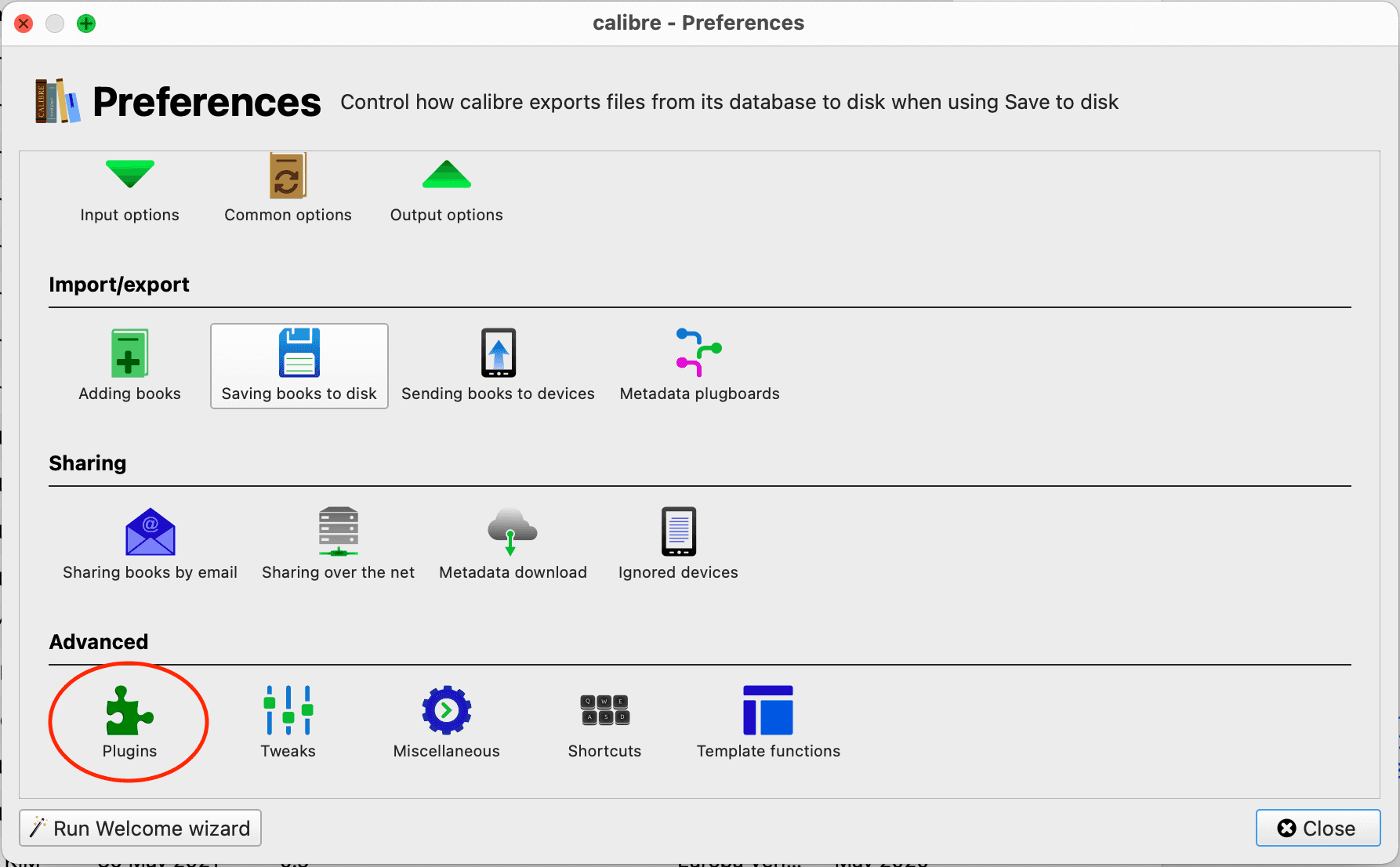
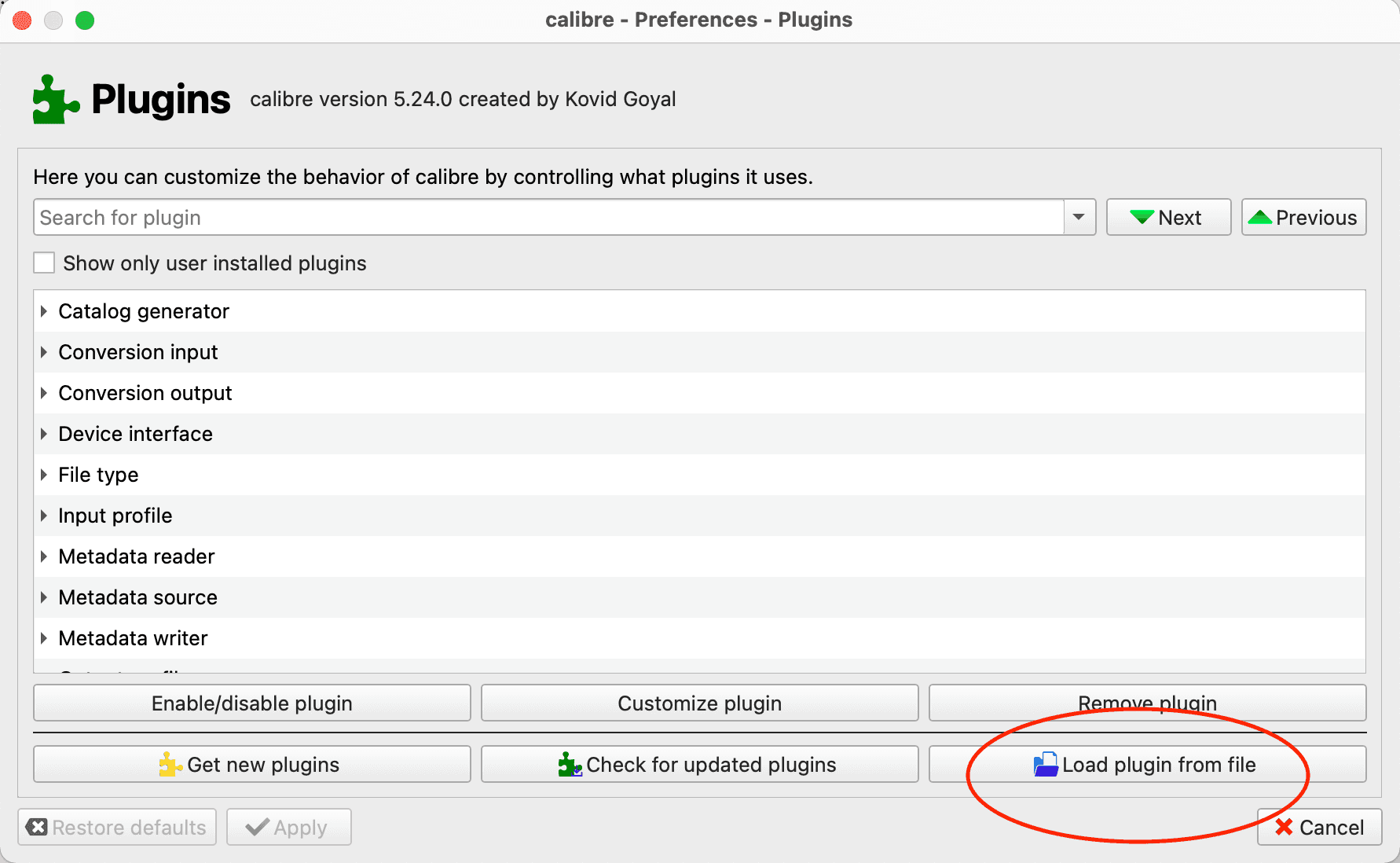
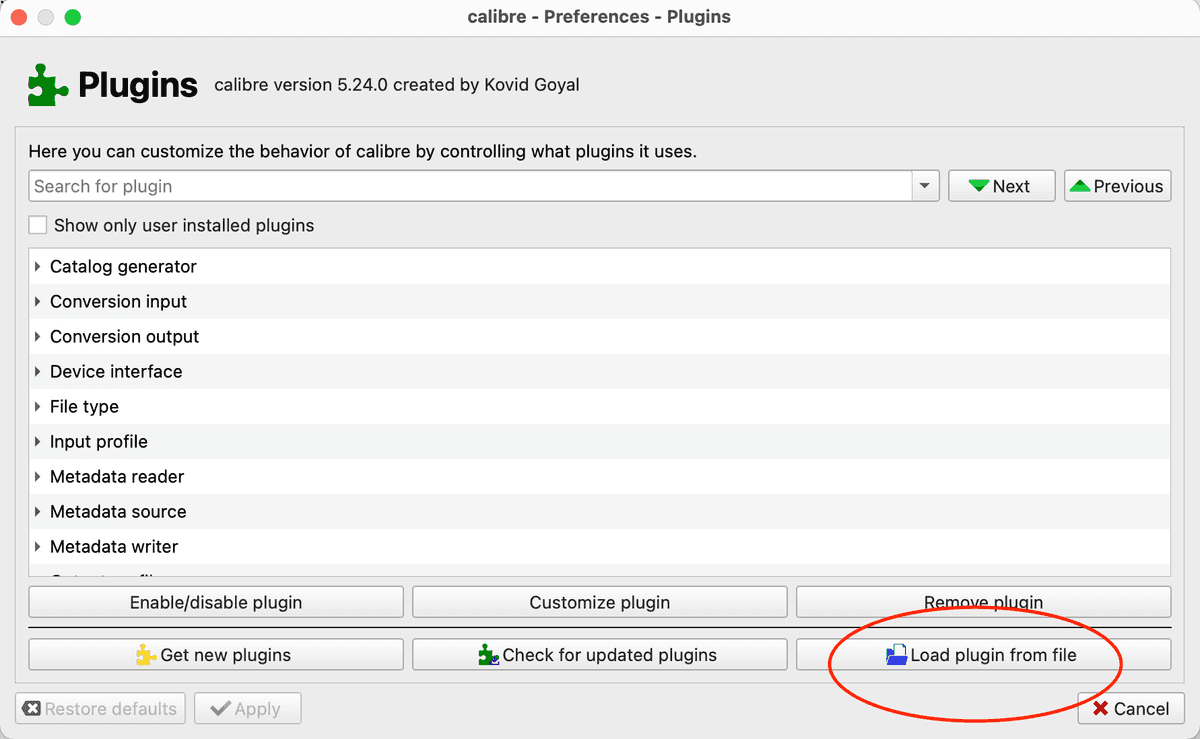
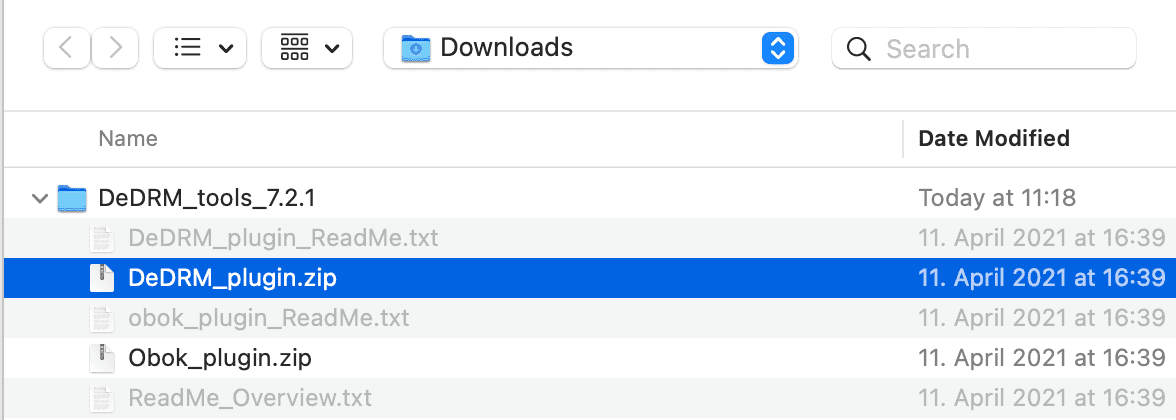
preferences > plugins > Load plugin from fileand selectDeDRM_plugin.zipfrom the unzipped folder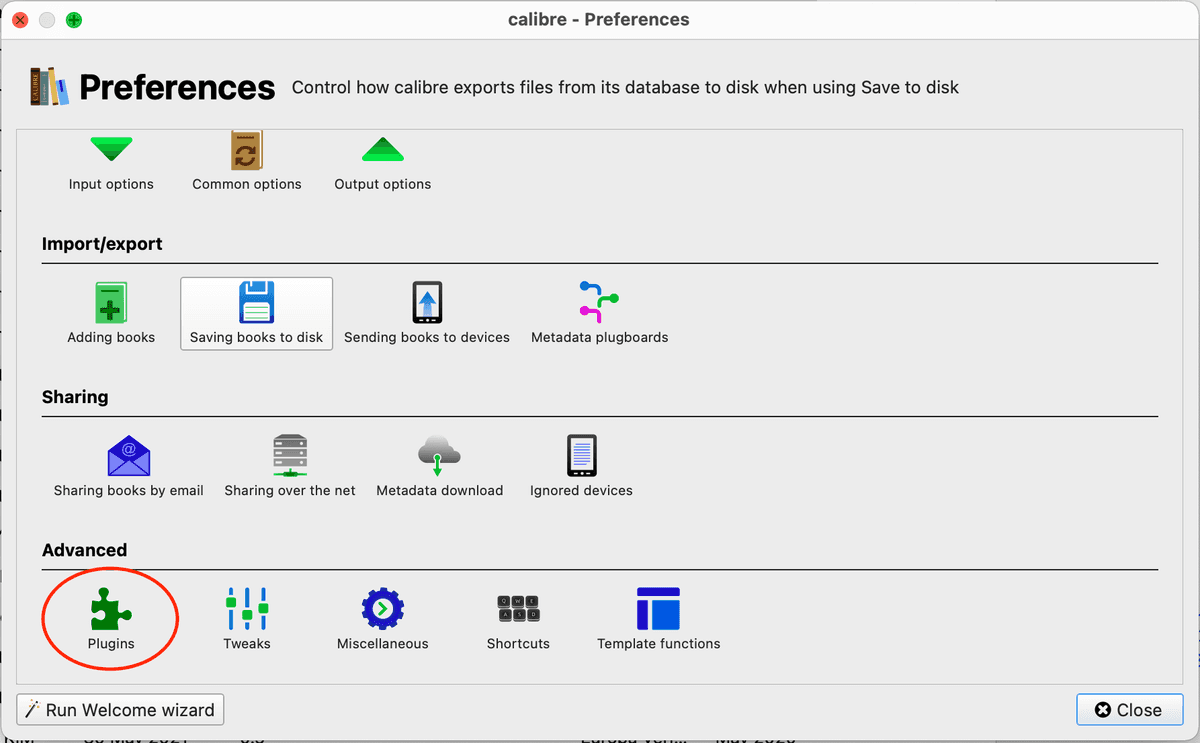
- In Amazon go to
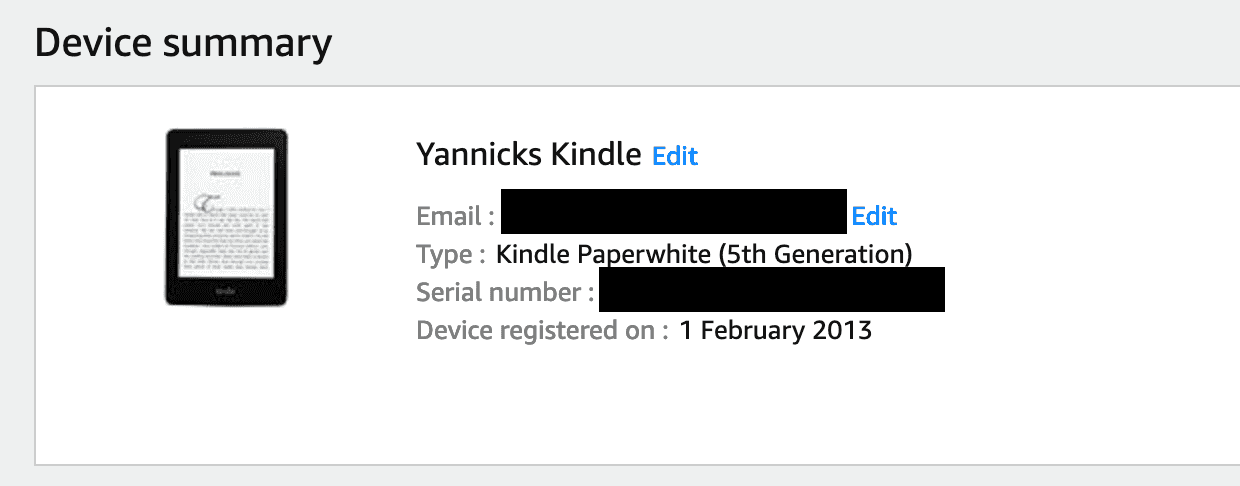
Your Account > Amazon Manage Your Content And Devices > Devices > Your Kindleand copy the serial number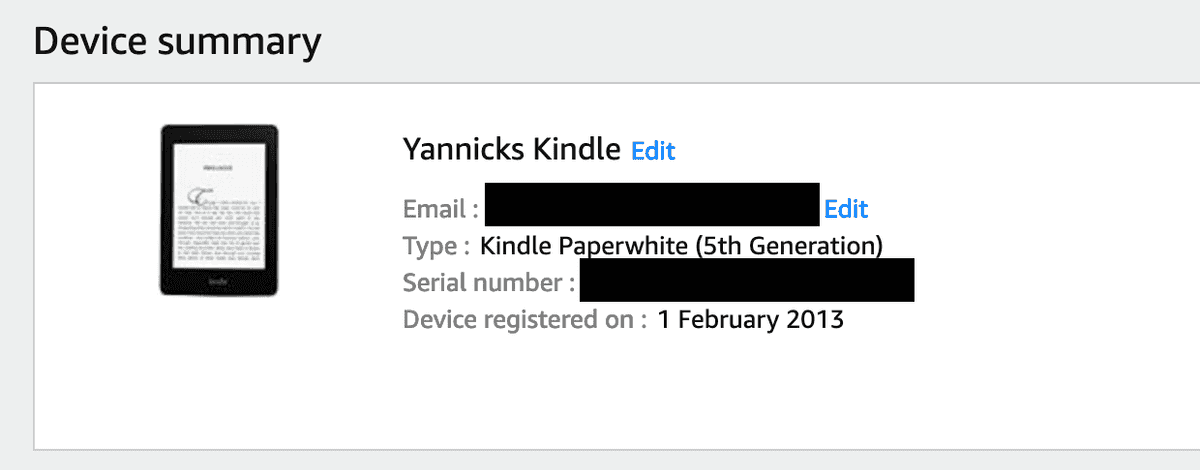
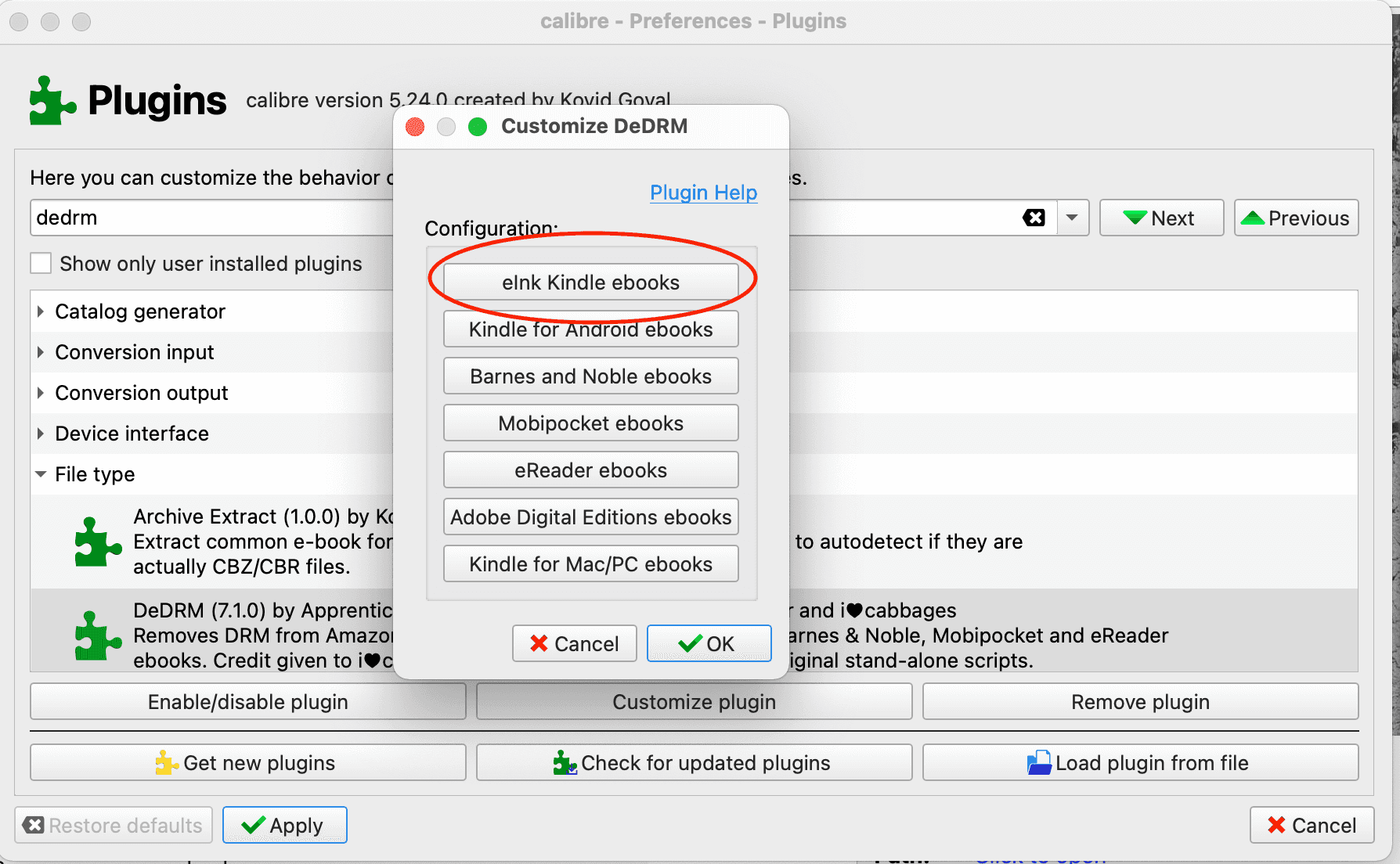
- Put the serial number in calibre
Preferences > Plugins > DeDRM > Customize Plugin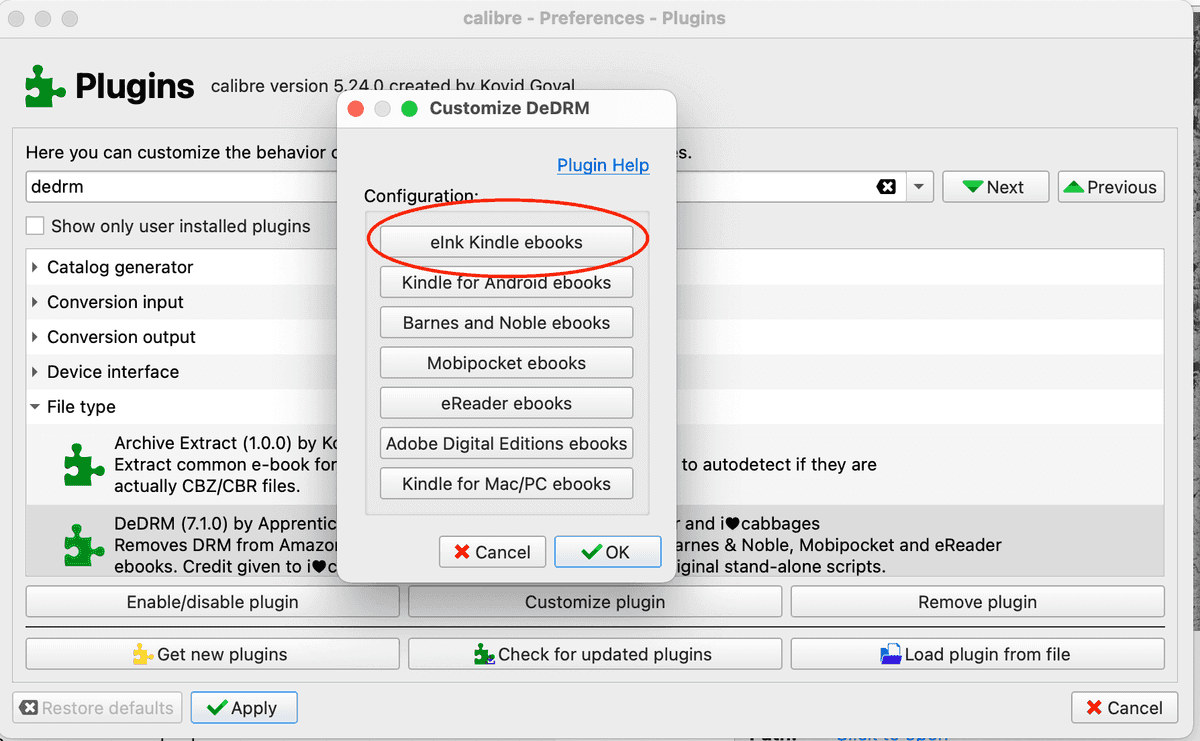
- Download any book from your amazon library on amazon:
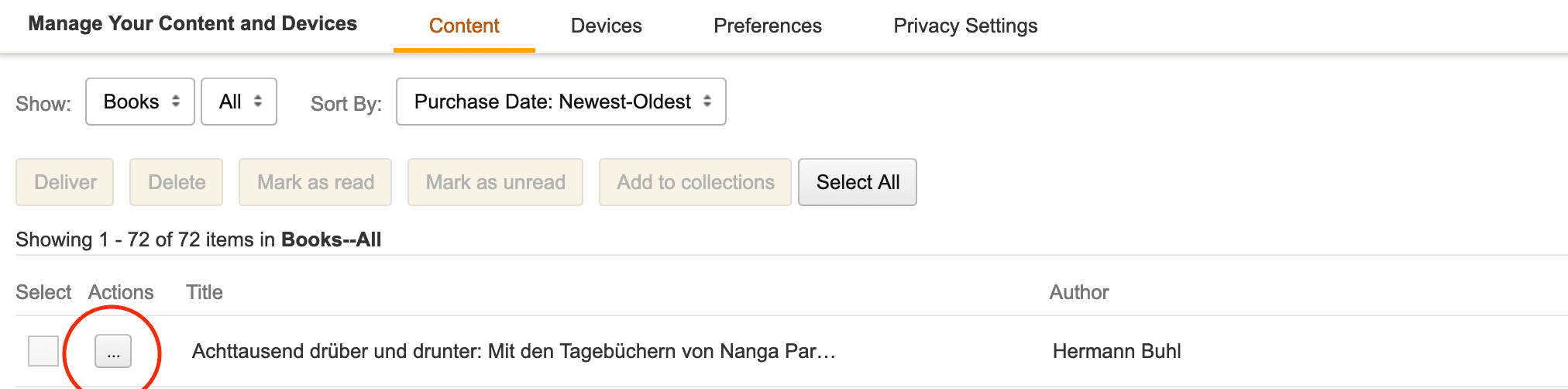
Your Account > Amazon Manage Your Content And Devices > Contentselect the three...and clickDownload and transfer via USBand finally select your kindle from the dropdown.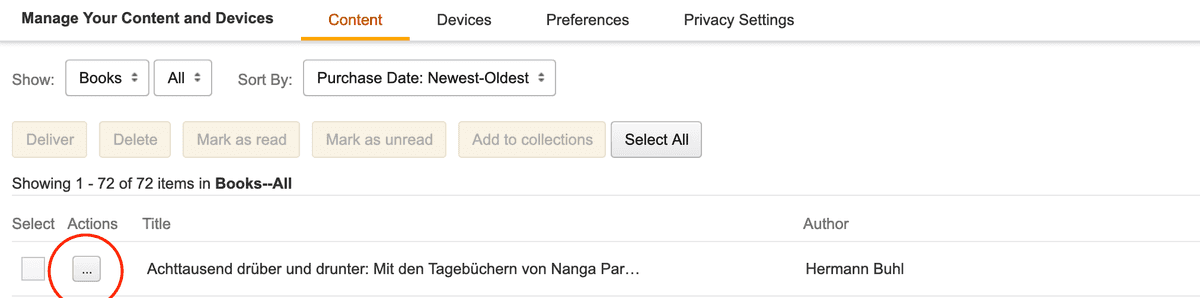
- Drag the book in the
AZW3format into calibre and click convert book and convert to any format you like